


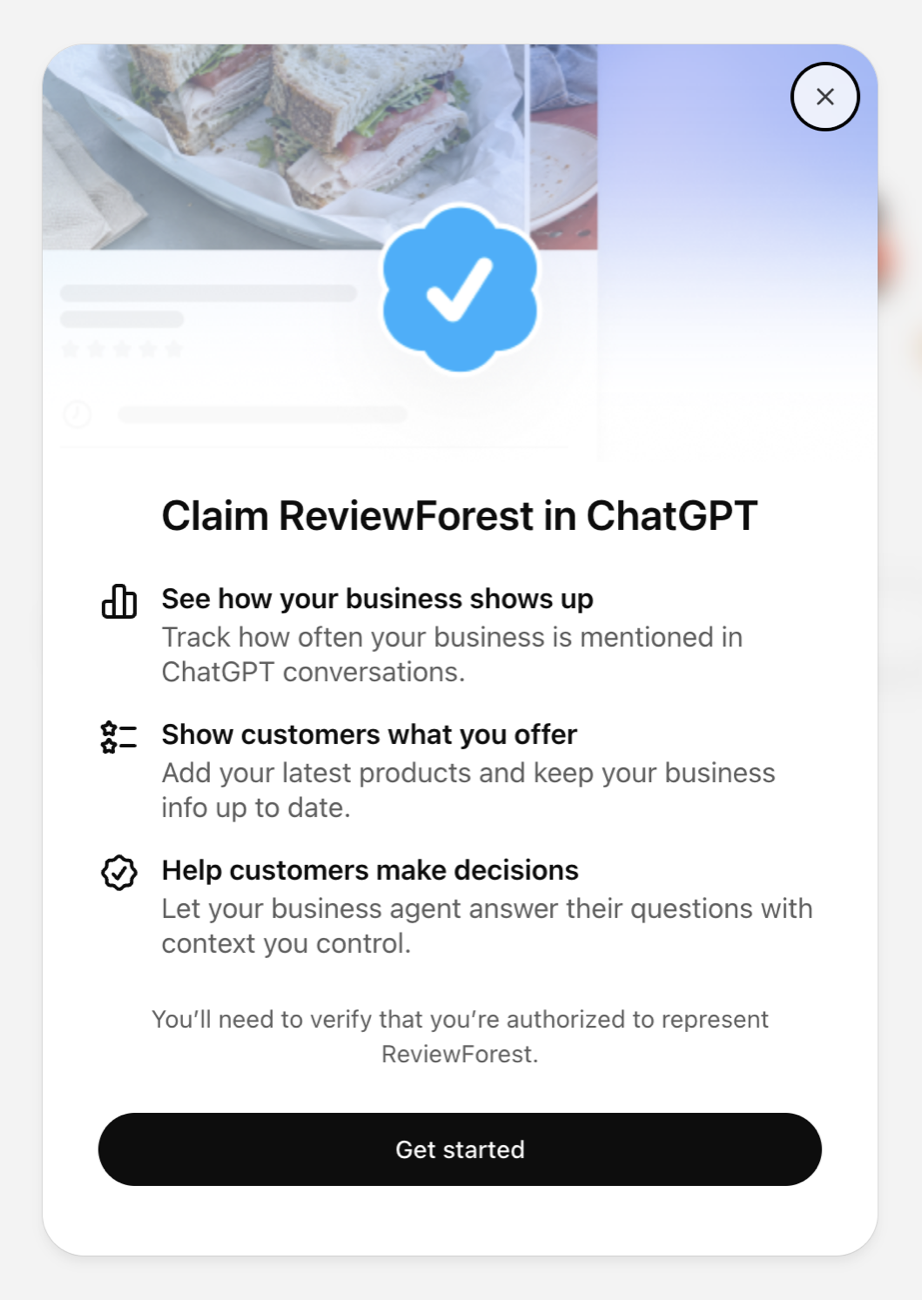
Since November 10, businesses can claim their profile in ChatGPT. OpenAI calls it “Businesses in ChatGPT” and has launched it as a beta. We tried it for ReviewForest the same evening. It was quick: search for the business, click “Get started”, and then a page told us we were on the waitlist. OpenAI will email us when we can continue.
You can claim your own profile in ChatGPT’s Business Hub.
What OpenAI announced
The announcement has three parts:
- You can claim your profile and edit it. In the new Business Hub you search for your business and prove that you are allowed to represent it. After that you can edit the website, description, category, logo, cover photo, and your delivery and return policies. Retailers can connect a product feed with prices and availability.
- You get numbers: how often ChatGPT mentioned your business over the past 28 days, how many people clicked through to your website, and which topics you show up for. You don’t see individual questions or chats.
- And there is the Business Agent, a separate chat in which an AI answers questions on behalf of your business, clearly set apart from ChatGPT’s regular answers.
You don’t need an ads account or an enterprise contract for any of this.
A Google Business Profile, but in ChatGPT
If you have a Google Business Profile, you know the principle. The listing for your business exists whether you claim it or not. It was the same in ChatGPT: ReviewForest was already in the list before we had set up anything.
Claiming gives you control over the part you can decide yourself: description, category, logo, website. What customers say about you, and what ChatGPT makes of it, is not yours to decide. So the part that is in your hands is worth looking after yourself, just as you would with your Google profile.
What already works outside the US
Not much yet, to be honest. For us, things ended after the click on “Get started”, and we are on the waitlist. What comes next we only know from OpenAI’s help article so far:
- You confirm the claim by business phone, business email, a DNS record or Shopify. OpenAI reviews it and replies by email.
- Before you can change anything or see numbers, there is a second check with the identity provider Persona, with an ID and your company details. Only then do you get the blue check.
- The Business Agent is limited to online retailers and online service businesses in the US for now.
- Local stores and restaurants can currently claim only existing US listings. That fits our waitlist.
- Even after approval, numbers can stay blank as long as there are too few conversations.
And what about reviews?
That was our first question, since reviews are how we earn our money. The announcement doesn’t mention them.
The profile has no field for them. The illustration in our claim dialog does hint at a profile card with five stars (top left in the image above, very faint), but OpenAI’s sample profile shows none. The policy for business profiles bans fabricated reviews and endorsements in a profile.
OpenAI is clearer about the answers themselves. A claimed profile doesn’t make ChatGPT recommend you more often, and advertising doesn’t influence its independent answers either. ChatGPT also keeps drawing on other sources.
We saw what those sources are in our roofer test in October. ChatGPT showed the star rating and the number of reviews right in its recommendation and used them to justify its pick. You write the profile. Your customers write the reviews, and those still count in the answers.
What you can do now
- Claim your profile, even if you land on the waitlist first. You do that in the Business Hub, and it takes two minutes. Then you’re in line when it opens up in your country.
- Look after the sources ChatGPT already draws on today. Those are your Google Business Profile, your reviews and your website. The seven tips from the roofer test still apply.
- Check the topics later. Once numbers arrive, they show you which questions ChatGPT names you for.
We’ll report back once we’re off the waitlist.
